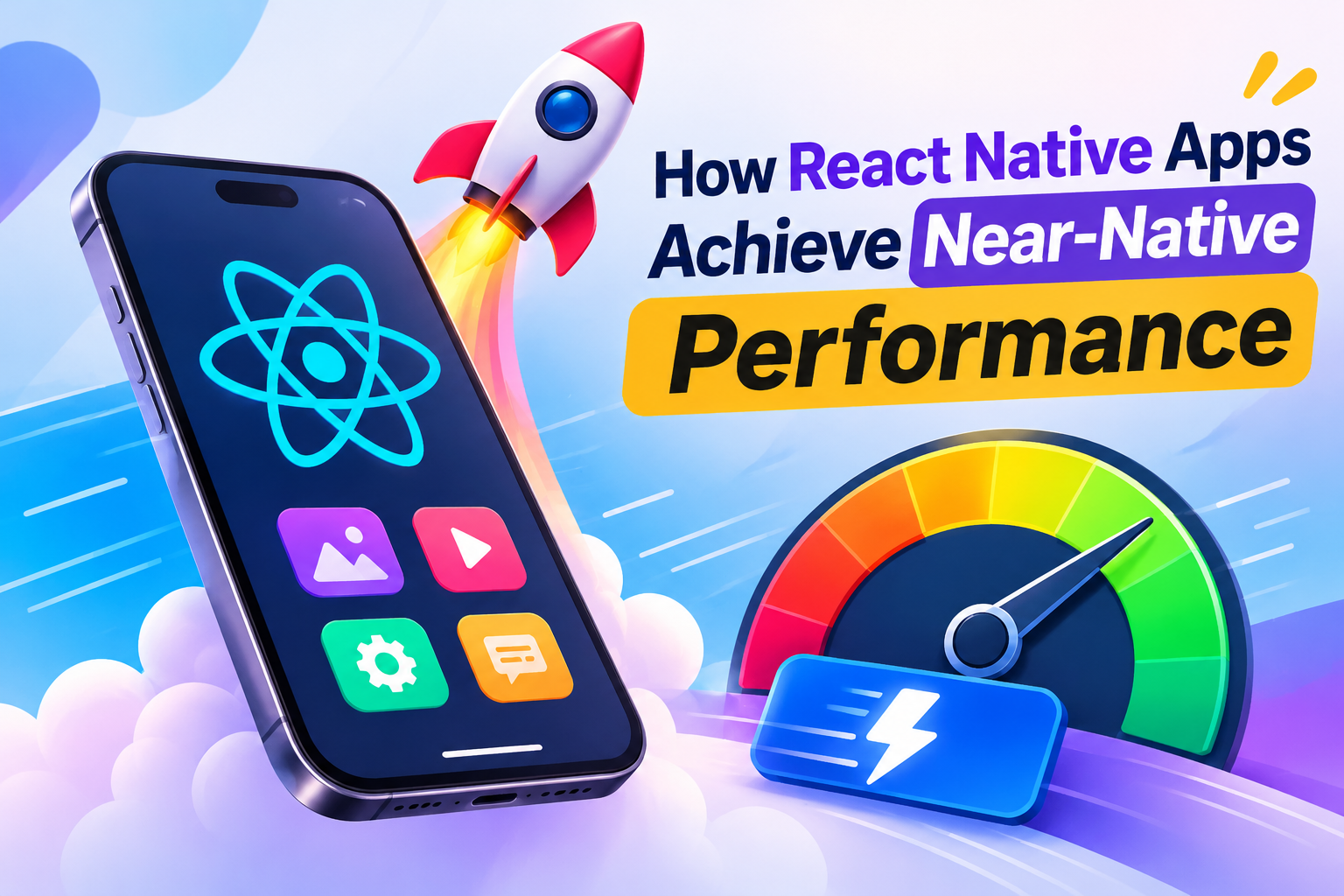
How React Native Apps Achieve Near Native Performance
A stage, a crew and sixteen milliseconds: the real story behind smooth cross platform apps
Think of a phone screen as a stage. Every sixteen milliseconds the curtain rises on a new frame, and the audience, which is the person holding the device, judges the show without ever saying a word. When every frame arrives on time, nobody notices anything at all. When a few go missing, people feel a vague discomfort and describe the app as cheap or heavy. A react native app lives or dies by how reliably it delivers those frames, and the surprising truth is that most of the work happens long before the curtain rises.
This article explains how react native app development reaches near native performance, using plain language and a few analogies I have found useful when explaining the topic to friends who are new to mobile. You do not need prior experience with Swift or Kotlin. If you understand JavaScript and have seen how components work on the web, you already carry most of the vocabulary you need.
Why Sixteen Milliseconds Rules Everything
Most phone displays refresh sixty times each second, which gives your code roughly sixteen milliseconds to prepare a frame. Newer phones refresh at ninety or one hundred and twenty times each second, shrinking that budget to about eleven or eight milliseconds. Miss the deadline and the screen simply repeats the previous image, which the eye reads as a tiny stutter.
This is why performance react native developers care about is better described as a feeling than a number. A screen with excellent average speed can still feel bad if it freezes for half a second while a transition plays. A modest screen that never drops a frame feels premium. When people talk about near native performance, they mean that your app meets the frame budget so consistently that a user cannot tell whether it was written in JavaScript, Swift or Kotlin.
Seen this way, your priorities change. You stop chasing impressive benchmark scores and start protecting the interactions people actually touch: scrolling a feed, opening a screen, typing into a search field, dragging a card away. Those are the moments where trust is built or lost.
The Stage Manager Problem Behind the Old Reputation
Early react native carried a reputation for being slow, and it is worth understanding why, because so much outdated advice still circulates on forums and in meeting rooms.
Imagine a theatre where the writer sits in one room with the script and the stage crew works in another. They cannot see each other. Every instruction travels through a stage manager who writes it on a card, carries it across, and waits for the crew to act. For a quiet scene with two actors, this works perfectly well. For a chase scene where fifty cues need to land at the same instant, the stage manager becomes the bottleneck and the show falls apart.
That was essentially the original design. Your JavaScript logic lived in one environment, the native interface in another, and an asynchronous message channel carried instructions between them as packaged JSON. A login form never noticed the delay. A fast scrolling list, a finger following gesture or a screen full of moving elements flooded the channel, and frames were lost. Developers wrote workarounds, built custom native modules for simple tasks and swapped complaints online. The conclusion that spread was that cross platform tools had a hard ceiling.
That conclusion made sense at the time, but it describes an older version of the technology. Anyone learning react native today deserves the current picture instead.
Headsets for Everyone: How the Modern Architecture Works
Now imagine the same theatre after an upgrade. The writer and the crew wear headsets and speak directly to each other. No cards, no courier, no waiting for a carrier to cross the building. That is the spirit of the modern react native architecture.
The piece that makes this possible is the JavaScript Interface, usually shortened to JSI. It lets JavaScript hold direct references to native objects and call native functions without first converting everything into JSON. That removes a large amount of overhead and makes synchronous calls possible in the cases where they genuinely help.
Fabric is the newer rendering system. It allows the interface layer to read layout information more directly and to schedule work according to priority. Picture a cue sheet where the instruction to open the curtain outranks the instruction to adjust a background light. An urgent touch response no longer waits behind a low priority update.
TurboModules handle native features with a lazy mindset. If your app includes a camera, a fingerprint scanner and a payment module, a person who only wants to browse a catalogue should not pay the startup cost for all three. Each module loads when it is first needed. Holding it all together is Codegen, a tool that generates type safe connections between JavaScript and native code so that mismatches are caught while you build rather than while a customer is using your app.
Halfway through learning all this, many people find it useful to read a second explanation from a different angle, and there is a separate writeup that traces the same rendering pipeline with its own examples which can help the ideas settle. Seeing a concept described twice, in different words, is often what turns confusion into understanding.
What does this mean for the react native code you write on an ordinary afternoon? Gesture driven updates can respond without a round trip. Layout behaves more predictably. Some tasks that once required a custom native module can now be handled directly. The guiding idea for anyone working on react native mobile app development is easy to state and takes practice to apply: keep the JavaScript thread free, keep each render small, and let the native side do the heavy drawing.
Hermes and the Moment Before the First Screen
Before anything appears, your app must load and run JavaScript. On a flagship phone this is so fast you never think about it. On a modest Android phone, which describes a huge share of the devices people actually carry, a heavy bundle can make launch feel like a small test of patience.
Hermes is the JavaScript engine built specifically for react native, and it targets this problem directly. Rather than parsing and compiling large files while the user waits, Hermes works with bytecode prepared ahead of time. You see the benefit in three places: faster startup, lower memory use and a smaller installed size. In recent releases it is the default engine, so new projects benefit without special configuration.
Hermes cannot save an app that tries to load everything at once, though. I once reviewed a project whose home screen quietly imported a charting library, a markdown parser, a date library and a video player, although most visitors never touched those features. Each import added weight to the first few seconds. Lazy loading rarely visited screens, using inline requires where they make sense and deleting packages that no longer justify their place are among the least glamorous and most effective improvements available.
A useful habit is to ask one question every time you add a dependency: what does this cost the person holding the phone? Documentation rarely lists the price, but your startup time will reveal it eventually.
Rendering Less So the Phone Can Breathe
Fast apps are rarely the product of heroic optimisation. They are usually the product of rendering less, loading less and recalculating less. Two areas deserve special attention because they cause most of the pain: lists and images.
Lists That Do Not Try to Be Everything at Once
If I had to name the single biggest source of lost performance for beginners, it would be long lists. A product catalogue, a chat history or a news feed with hundreds of rows can bring a careless screen to its knees. The reason is simple: building every row at once costs memory and processor time that a phone cannot spare.
A virtualised list such as FlatList solves this by rendering only the rows near the visible area and recycling work as the person scrolls. For large datasets with complicated rows, FlashList takes the idea further and often feels smoother on modest hardware. After choosing the right component, the small details do the rest. Give every item a stable key so React can track rows accurately. If rows have a fixed height, declare it so the list never has to measure each one. Keep the row component light and wrap it in React.memo so it updates only when its own data changes. Avoid creating new functions and style objects inside the render callback, since that quietly triggers extra work on every pass.
None of these steps feels dramatic while you take them. Nobody applauds a key extractor. Together, though, they separate a feed that glides under a thumb from one that shudders like an old bus.
Images, the Quiet Heavyweight
Ask a developer what slows an app and you will hear about animations, state and network calls. Ask a profiler and it will often name images. A single photo from a designer or a server can weigh several megabytes, and decoding it consumes memory and processing time. A screen packed with such photos feels heavy regardless of how tidy your code is.
The remedy is straightforward. Resize images to the dimensions you actually display. Choose modern formats where supported. Cache downloaded files so they are not fetched repeatedly. Show a lightweight placeholder while the full image loads so the screen never feels empty. Libraries designed for image caching take care of much of this work, and they repay the effort quickly in anything that shows product photos, menus or profile pictures.
Motion That Never Waits for Anyone
Animation exposes weak performance faster than anything else. The human eye is far more sensitive to stutter in motion than to a slightly slow data fetch.
The classic trap runs like this. You build an animation that depends on the JavaScript thread. While it plays, an API response arrives and the app starts processing it. The thread is suddenly busy, the animation misses its frames, and the hitch appears exactly when the user is watching.
Reanimated addresses this by running animation logic on the interface thread through small pieces of code called worklets. A gesture driven interaction stays fluid even when JavaScript is occupied elsewhere. Combined with the gesture handler library, it lets you build drags, swipes and pull to refresh behaviour that stands comfortably beside fully native apps.
What I appreciate most about this approach is the mindset behind it. You stop hoping the thread stays quiet. Instead you decide at design time which work belongs on the JavaScript side and which belongs on the interface side, and you make sure the first never blocks the second. That is a design decision rather than a trick, and once it becomes habit, your screens feel different.
State Placement and the Cost of Noise
On a desktop browser, a few unnecessary renders pass unnoticed. On a phone with limited memory and a shared processor, they pile up. If state lives too high in the component tree, a tiny change such as typing a single character can ripple across half the screen.
People making the move from react to react native often take comfort in the fact that components, props, state and hooks behave the way they already know. That is true, and it is one of the strongest react features for anyone who comes from web development. The difference is the cost model. A pattern that is invisible on a laptop can become a dropped frame on a budget phone, so familiar code deserves slightly more care.
Hooks illustrate this nicely. useMemo and useCallback are often taught as magic switches, which causes trouble. They are tools for keeping references stable. They help when you pass values to memoised children or when a calculation is genuinely expensive. Scattered everywhere, they add noise and sometimes slow things down. The healthier habit is to measure first and memoise only the place that needs it. useEffect deserves similar respect, because effects that run on every render, subscriptions that never clean up and requests that fire twice are classic sources of bugs and battery drain. Tooling such as the React Compiler aims to automate part of this work, which is promising, but understanding the reasoning still makes you a stronger developer than relying on automation alone.
It also helps to sort state into three kinds. Local interface state, such as whether a menu is open, belongs inside the component that uses it. Shared client state, such as a theme or a signed in user, belongs in a small store, and lightweight libraries like Zustand are popular while Redux Toolkit suits larger teams that want stricter structure. Server data, such as products, orders and profiles, deserves a dedicated caching layer, and TanStack Query handles caching, retries and background refresh far better than hand written effects. When each kind of state lives in its proper home, an update touches only the parts of the screen that care about it, and that keeps an app with react native responsive as it grows from five screens to fifty.
Reading the Evidence Before Touching the Code
There is a pattern I see again and again among newer developers. The app feels slow, so they wrap random components in memo, add a few callbacks and hope. Occasionally it helps. More often it changes nothing and makes the code harder to read.
Experienced developers behave differently. They open a profiler, find the real bottleneck, fix that one thing and move on. The gap between the two approaches is rarely talent. It is a habit of looking before touching.
React Native DevTools shows which components render and why. The performance monitor displays frame rates for both the JavaScript thread and the interface thread, which instantly tells you whether the problem lives in your logic or in the drawing work. The Hermes sampling profiler shows which functions consume time. Together they turn a vague sense of slowness into a specific, fixable finding.
Some problems appear only on the native side, including memory leaks, heavy image decoding, slow startup and animation hitches. Android Studio’s profiler shows memory, processor and network activity on a connected device, while Xcode Instruments gives a detailed picture of allocations, time and dropped frames on Apple hardware. Even if you never write platform code, an afternoon spent with these tools sharpens your instincts for the rest of your career.
Two Platforms, Two Personalities
A shared codebase does not mean identical behaviour. Each platform has habits that surprise newcomers, and learning them early prevents painful discoveries near release day.
When you build android react native screens, you meet the hardware back button, permission flows that differ between manufacturers, a wide spread of screen densities and aggressive battery management that can stop background tasks. Testing on a cheap, slightly old Android phone is the single most revealing exercise you can do, because emulators run on powerful computers and hide a surprising number of problems.
When you build react native app experiences for iOS, you deal with safe areas on notched screens, different gesture conventions, stricter background rules and a review process with its own expectations. Borrowing an older iPhone for testing is worth the effort for the same reason. Real devices tell the truth, and the truth costs less to learn early than late.
Where React Native Sits Next to Flutter, Native and Ionic
Whenever performance comes up, a comparison follows, so let us handle it honestly.
React native renders genuine platform components. A button on an iPhone behaves like an iPhone button, and a switch on Android follows Material conventions, so users never feel that the app is a visitor on their device. Add the vast JavaScript ecosystem, a large hiring pool and the ability to share logic with a web product through react native web or reactjs react native share code approaches, and the practical case is strong. Teams that already use React on the web benefit most, since validation, API layers and some interface patterns can travel between projects. That is why organisations exploring mobile app development with react often treat the phone app as one more surface of the same product, and why a react native development company or react native agency usually presents shared code as its central strength.
Flutter takes another route by drawing every pixel with its own rendering engine. That gives designers tight control and highly consistent visuals, which suits brand heavy interfaces. Fully native development in Swift and Kotlin still owns the performance ceiling for graphics heavy games, advanced camera work, heavy background processing and deep hardware integration. If your product depends on those things, native is the honest answer.
For marketplaces, booking flows, fintech dashboards and most business products, the difference is small enough that users cannot feel it. People also compare angular reactjs setups or ionic react javascript hybrids. Ionic wraps a web app in a native shell, which is quick to start but cannot match the feel of real native components, while Angular combined with Ionic suits teams already invested in Angular. For mobile development react native tends to be the balanced middle path because it keeps the JavaScript advantage without giving up native rendering.
The better question is never which tool is best in the abstract. It is what your product needs, who will maintain it and which skills your team already has. A small team with web experience usually moves fastest with react native. A studio obsessed with custom animation may prefer Flutter. A company building augmented reality will lean native. Choosing with clear eyes is itself a mark of experience, whether you work in a product team or at a native application development company serving clients.
Starting Clean With Your First Serious Project
Beginners often lose their first weekend to setup problems, which is a shame because starting has become much easier. Expo is the sensible entry point today. It gives you a working project in minutes and handles much of the native configuration, and when you later need custom native code you can move to a development build without discarding your work.
You may stumble on tutorials that mention create react app native or create react app react native. Many are outdated, so favour current guidance and the official react native documentation, which is clear and well maintained. If you want to create a react native app that can grow, begin with TypeScript, a tidy folder structure and a navigation library such as React Navigation. Keep screens, components, hooks and services in separate places. It feels excessive for a small app, but once you reach twenty screens you will be glad you did. Reading the react native basics sections alongside your first build is one of the quickest ways to absorb the fundamentals, and the same discipline applies whether you are learning react native alone or working through a structured plan.
Choosing what to build matters just as much. Tutorials teach syntax, while projects teach judgement. A good react native project includes real data, navigation, authentication, some offline behaviour and at least one screen where performance matters, such as a searchable list. A food ordering flow, an expense tracker, a fitness log or a small marketplace all work well because they force you to handle loading states, errors and awkward edge cases. A react native sample app that you finish, test on two devices and write about honestly will teach you more than several abandoned experiments. Whether you decide to develop react native app ideas for fun or for a client, the same approach applies.
Many apps also rely on a server, so understanding how node js for react native projects fits together helps you build simple APIs, handle authentication and reason about databases. Reading a design file critically helps too. Designs full of layered transparency, oversized illustrations and animation on every element will fight your app at every step, so developers who can discuss cost with designers and turn repeating patterns into shared components and a central theme file ship faster with fewer surprises.
What Employers and Teams Quietly Notice
Before anyone cares about your react native software experience, they look for solid JavaScript and TypeScript. Closures, promises, async await, array methods and modules should feel natural. Then comes React itself, including hooks, lifecycle ideas and state patterns. Rushing into react and native topics without those foundations usually leads to confusion within weeks, and understanding how react & react native relate to each other makes the learning curve far gentler.
Git workflow, thoughtful code review, basic testing with Jest and React Native Testing Library, and familiarity with store release processes round out a strong profile. Teams that deliver react native app development services to clients value these skills especially, because clients expect dependable delivery rather than clever demos. Clear pull request descriptions, honest estimates and early warnings about risk quietly build trust. A native react app is rarely built by one person, and react native devs who make everyone else faster are the ones teams want to keep.
In interviews, the candidates who stand out are rarely the ones who recite syntax. They are the ones who can explain why a list janks, why a screen takes two seconds to open or why battery drains faster after a certain release. They can discuss rendering, memory and profiling without sounding rehearsed, because they have met those problems in person.
Closing Thoughts
A react native app reaches near native performance through a combination of things rather than a single trick. A modern architecture lets JavaScript speak directly to native code. Hermes shortens startup. Virtualised lists, resized images and interface thread animations keep scrolling smooth. Thoughtful state placement avoids wasted renders, and profiling tools replace guesswork with evidence. Add honest comparisons with Flutter and fully native options, and you have the picture professional teams rely on when they make decisions.
The best way to make all of this stick is repetition on real devices. Build something small, measure it, break it on purpose, fix it and repeat. People who enjoy practising alongside others sometimes look for a guided way to study react native in Hyderabad while they keep building their own side projects, and whichever route you choose, keep asking what the person holding the phone actually feels. That question will carry you further than any framework.
About the author
- JustAcademy is an industry focused IT training institute helping students, freshers, and working professionals build practical, job ready technology skills. On this blog, we share practical insights, tutorials, coding guides, career advice, and learning resources covering topics such as Full Stack Development, Java, Python, Data Analytics, Software Testing, QA Automation, Cloud Computing, UI/UX Design, and more. Our goal is to make technology easier to learn through practical knowledge, real world examples, and career focused content. Learn. Build. Upskill. Get Job Ready.
Comments
Join the discussionNo comments yet. Be the first to comment.