Hashnode and LinkedIn Article: Android App Development Process
Every film you have ever loved looks effortless on screen. The actors seem natural, the music lands at the right moment, and you forget that hundreds of people spent months solving problems you will never see. Android apps work the same way. The smooth little screen in your hand hides research, drafts that got thrown away, arguments about button colours, a late night bug and a nervous wait for approval. The part users see is the premiere. The part that decides whether there is a premiere at all happens long before.
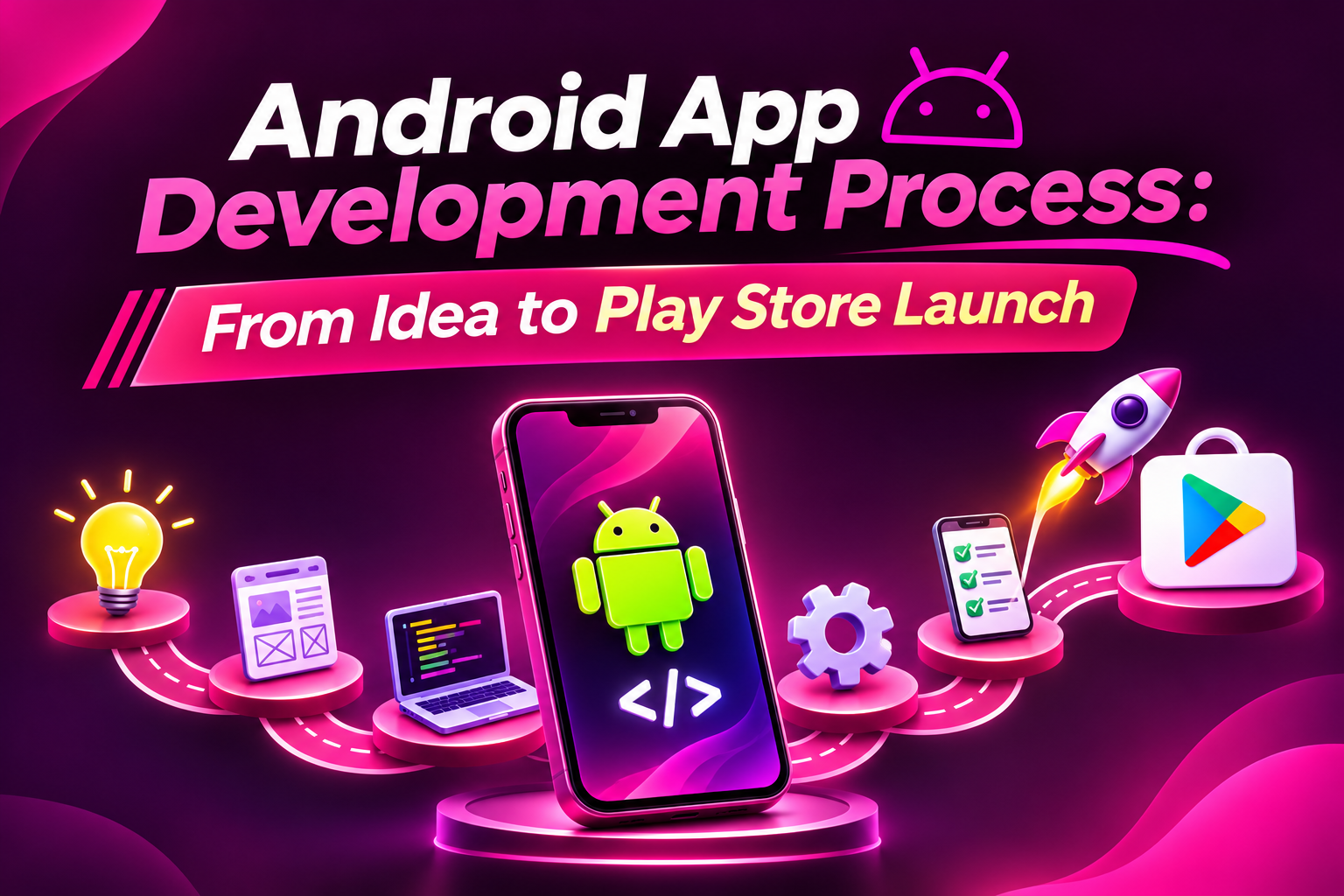
I have found that the film comparison is the easiest way to make the Android app development process feel less intimidating, so that is how we will walk through it here. Pre production, casting, storyboards, shooting, editing, certification, release and the sequel. Along the way we will follow one imaginary app from a rough idea to a live listing, mixing in some history and a few practical facts you can actually use.
If you would rather watch this process unfold in a real classroom than only read about it, you can book a free demo session and see how mentors walk beginners through it, or browse the outline of an Android app development course in Hyderabad to see how the topics below get sequenced week by week. Either way, grab your popcorn, because the production schedule starts now.
A Short Flashback: How Android Became the Stage
Before we shoot anything, a little history helps explain why Android development looks the way it does today. Android began as a small startup called Android Inc, which Google acquired in 2005. The first commercial Android phone, the HTC Dream, reached customers in late 2008, and the app store that came with it was originally called Android Market. In 2012 it was folded into a broader brand and became Google Play, which is the storefront you will eventually publish to.
The tooling has changed dramatically too. For years, developers built Android apps with a plugin inside the Eclipse editor. Google introduced Android Studio in 2013 and released its first stable version in late 2014, and it has been the official environment ever since. In 2017 Google announced official support for Kotlin, and in the years that followed, Kotlin steadily became the language most new tutorials and samples assume you are using.
Why does any of this matter to a beginner? Because it explains why you will see two or three different ways of doing almost everything in Android. Older articles describe older methods, newer documentation describes newer ones, and knowing the timeline helps you tell which advice is current.
Meet Our Lead Character: Kirana Khata
Every film needs a protagonist, and ours is a fictional app called Kirana Khata. It is a simple digital ledger for small neighbourhood shops, where the owner records who bought what on credit and who still owes money. This is an invented product I am using purely as a teaching example, not a real company.
I chose it because it quietly forces almost every interesting Android decision. The users may have budget phones with limited storage. Their network connection can disappear at any moment. They may prefer a regional language over English. They need to trust the app with sensitive financial notes, and they will abandon it instantly if it feels slow. Those constraints are not obstacles in this story. They are the plot.
Keep Kirana Khata in mind as we move through each stage, because it shows how theory turns into decisions.
Pre Production: Write the Script Before You Roll the Camera
No director starts filming without a script, and no app should start coding without a clear story about a problem. For Kirana Khata, the script begins with a handful of conversations with actual shopkeepers. How do they track credit today? Many will say a paper notebook. Some will say memory. A few will mention that disputes with customers happen precisely because nothing was written down properly.
Listen for what people do rather than what they say they want. A shopkeeper who has photocopied the same page of the notebook ten times because customers lose their copy is telling you something powerful about demand. A sentence like it would be nice to have an app is polite noise. A detailed description of a daily annoyance is signal.
Write one clear sentence describing who the app is for and what it fixes. For our example: it helps small shop owners record credit sales quickly and see who owes them money without relying on a paper notebook. If you cannot write that sentence, the script is not ready, and starting production anyway only produces an expensive confusion.
Casting: Decide Which Features Get a Role
A film cannot give every character a leading role, and an app cannot ship every feature in version one. This is where the minimum viable product, usually called an MVP, comes in. It is the smallest version of your app that still solves the core problem for a real person.
For Kirana Khata, the leading roles might be adding a customer, recording a credit sale, recording a payment and viewing the balance. That is enough to replace a notebook. Features like sending reminders on WhatsApp, printing invoices, supporting multiple shops or adding analytics charts all sound valuable, and they all belong in the sequel.
A helpful trick is to imagine your first real user receiving the app and asking whether it already replaces their old method. If the answer is yes, you are done casting. Everything else is supporting material that can wait. Tiny first versions feel uncomfortable, and that discomfort is exactly what keeps projects alive long enough to finish.
Storyboards: Sketch the Experience Before the Pixels
Filmmakers sketch storyboards so everyone understands each scene before expensive shooting begins. App designers do the same with wireframes, which are simple drawings showing where things will sit on each screen and how a person moves from one to the next.
For Kirana Khata, the main question is speed. A shopkeeper with a queue of customers cannot spend thirty seconds navigating menus. The storyboard should make recording a sale possible in a couple of taps. Draw it on paper, move to a tool like Figma if you like, then build a clickable prototype and watch someone use it without helping.
Android also has a design language called Material Design, with guidance on spacing, navigation, touch targets and accessibility. Following it helps your app feel familiar, which matters because users arrive with habits built by every other Android app they use. For our shopkeepers, large readable text, strong contrast and support for their preferred language are not decorative extras. They are what make the app usable at all.
Choosing Equipment: Languages, Toolkits and Tradeoffs
Every production chooses cameras and lenses, and every Android project chooses a language and toolkit. For native Android today, Kotlin is the sensible default. It is concise, safer around the null value errors that plagued older code, and heavily supported in Google's documentation. Java is still everywhere in older projects, so being able to read it helps, but most new work begins in Kotlin.
For building screens, Jetpack Compose is the modern toolkit, where you describe what the interface should look like for a given state and the system updates it as the state changes. Older apps use XML layouts, and you will meet both in the wild. Learning to recognise each is part of becoming a flexible developer.
Then there is the cross platform question. Flutter and React Native let a single codebase serve Android and iOS, which can be a smart tradeoff when resources are tight and both platforms matter. Native Android tends to offer the deepest platform access and the finest performance tuning. For Kirana Khata, targeting Android first in a market where it dominates budget phones, native Kotlin is a comfortable fit.
Building the Set: Environment and Architecture
A film set has to be built before anyone can act on it. Your set is Android Studio, which bundles an editor, an emulator, a debugger, a profiler and the Gradle build system. Install it, create a blank project and run it. Watching that empty screen appear on the emulator is a tiny moment of triumph that every developer remembers.
Then build good habits early. Use Git from the very first commit, because your history becomes a safety net. Learn to read Logcat, which streams messages from your running app and tells you what went wrong. Open the profiler once while everything works, so it is familiar when something breaks.
If you enjoy seeing the same journey described from another angle, this longer written walkthrough of the path from idea to launch makes a handy companion read while you are still shaping your first project. Hearing the same stages explained in different words often makes them stick.
As for structure, Google recommends separating what appears on screen from the logic that prepares the data and from the layer that stores it. In Kirana Khata, one part would draw the customer list, another would hold its current state, and a third would decide where the records come from. That separation feels like extra effort at first, and then saves you when requirements change.
Shooting: Build in Scenes, Not All at Once
Films are shot scene by scene, and apps are best built feature by feature. Instead of drawing every screen and wiring everything later, finish one complete slice. For Kirana Khata, the first scene might be adding a customer and seeing them appear in a list, saved on the device. That one scene touches the interface, the state and the storage, and proves your pipeline works.
For local storage, Room is the standard library, a friendly layer over the SQLite database that ships with Android. Because our shopkeepers cannot depend on a stable connection, the app should be offline first, meaning it works fully without internet and syncs later if a server is involved. This one decision removes a whole genre of bugs and frustrations.
Android also expects respectful behaviour. Since Android 6.0 in 2015, the system has used a feature called Doze to limit background activity when a phone sits idle, and permissions are requested at runtime rather than silently at install. Ask for permissions only when they make sense, and schedule background work through the recommended tools like WorkManager so the system can honour battery limits instead of fighting them.
Designing for the Phones Most People Actually Carry
Here is the thing about Android that surprises many beginners. The phone on your desk is rarely the phone your users have. Android spans an enormous range of devices, and a large share of the world's users carry modest handsets with limited memory and storage. Google even created a lightweight Android edition for entry level devices, aimed at phones with roughly one gigabyte of memory or less.
For Kirana Khata, this changes everything. Keep the download small, avoid heavy images, keep screens simple and test on an old, slow phone. If your app is comfortable on a weak device, it will feel wonderful on a strong one. The reverse is never true.
There are also technical expectations worth knowing. Since 2019, Google Play has required apps that include native code to provide 64 bit versions as well. Small details like this are why reading Google's current requirements before every release is a habit worth building, rather than trusting memory.
Editing Room: Test Until the Cut Feels Right
Every film goes through editing and test screenings, and every app needs testing before release. Start with unit tests, which check small pieces of logic in isolation, like confirming that a payment reduces a customer's balance by the correct amount. Add instrumented tests that run on devices or emulators to verify screens and interactions.
But machines only check what you thought of. Real devices expose the rest. Screen sizes, manufacturer customisations and OS versions all vary, and low memory phones reveal problems flagship phones never will. Test on several physical devices if you can, and use cloud device testing services when you cannot. Google Play Console can also run automated checks on uploaded builds across a selection of devices and report crashes and other issues, which is a handy extra pair of eyes.
Then invite a few real people to try it. A shopkeeper will tap things you never expected, hold the phone differently and switch apps mid sale. Watch quietly, take notes and resist the urge to explain. Every confusion you witness now is a bad review you will never read.
Colour Grading: Performance, Security and Polish
Before the premiere comes the finishing pass. Check how fast the app starts, how smoothly lists scroll and how much battery it uses. The profiler in Android Studio makes these visible. Reduce app size with code shrinking and resource cleanup, then test the release build itself, because shrinking can occasionally break things that worked in debug mode.
Security matters even more for a ledger. Never embed secret keys in the app, since they can be extracted. Use encrypted connections for network traffic, store sensitive data with Android's security tools and keep libraries updated. Collect only the information the app truly needs and be honest about it, because financial notes feel personal even when the amounts are small.
And check the human details. Does the keyboard cover the amount field? Does the screen keep its data when rotated? Do error messages sound like a person wrote them? These touches rarely appear on a feature list, but users feel them immediately.
The Certification Board: Play Console, Policies and Paperwork
Every film needs a rating before release, and every app needs to satisfy Google Play's requirements. First comes a developer account, which has a one time registration fee, currently twenty five US dollars at the time of writing, plus identity verification. Start early, because verification can take time.
Google also applies additional testing expectations to newer personal accounts. At the time of writing, these generally involve running a closed test with a minimum number of testers for a set period before applying for production access. Those details have changed before, so confirm the current numbers in the official help pages rather than trusting any article, including this one.
Then comes the paperwork. You need a privacy policy hosted at a public web address, a content rating questionnaire and a data safety form describing what the app collects and why. Mismatches between what you declare and what the app actually does are a common reason for rejection. For a financial ledger app, be especially careful and precise.
The Poster and the Trailer: Your Store Listing
A film lives or dies on its poster and trailer, and an app lives or dies on its listing. The title should be clear and descriptive, the short description should state the main benefit in plain words, and the full description can explain features using the phrases people genuinely search for. For Kirana Khata, phrases like credit ledger for shops and digital udhaar book would be honest, relevant and searchable.
Screenshots should tell a story, leading with the most valuable screen and using short captions that explain the benefit rather than naming the feature. The icon should stay recognisable even when tiny. This craft is called app store optimization, and it resembles search engine optimization: relevance, clarity, conversion and positive ratings all matter.
Avoid keyword stuffing and exaggerated claims. Misleading metadata violates policy, and it also damages the trust that quietly drives long term growth.
Release Prints: Bundles, Signing, Tracks and Rollouts
When the film is ready, copies must be prepared for each cinema. For Android, this is the App Bundle. Google introduced the bundle format in 2018 and, since August 2021, new apps on Google Play have been required to use it. It lets Google generate optimised downloads for each device, which helps keep installs small. You sign the bundle with an upload key, and Play App Signing lets Google manage the final signing key. Back up your upload key carefully.
Before uploading, double check the version code, confirm debugging is off and make sure the app targets an Android API level that satisfies current policy. Then use testing tracks in the Play Console: internal testing for a small trusted group, closed testing for a wider invited circle, and open testing for anyone who wants to join. Think of them as preview screenings.
When everything is ready, submit for review. Reviews can take hours or several days, and first submissions often take longer. If something is flagged, read the message calmly, fix the specific issue and resubmit. After approval, use a staged rollout to release first to a small percentage of users while you watch crash reports.
A Short Illustrative Case Study: The Midnight Crash That Never Reached Everyone
Here is a scenario assembled from patterns developers commonly describe, so please treat it as an illustration, not the history of one real company. Imagine Kirana Khata version 1.0 passes all its tests and rolls out to ten percent of users. On the second morning, the crash dashboard shows a cluster of failures, all from a few budget phones with very little memory, all happening when a shopkeeper opens a customer with a long transaction history.
The team investigates and finds that the app was loading the entire history into memory at once. On their own phones, with a few sample records, it never mattered. On a real shop with two years of daily sales, it overwhelmed small devices. Because only ten percent of users had received the update, the rollout is paused, the team switches to loading records in pages and ships a fix within a few days.
The lesson is not that testing failed. It is that real data and real devices always find something, and a staged rollout turns what could have been a public disaster into a quiet correction.
The Sequel: Launch Is Not the End Credits
After the premiere, the real audience feedback begins. Crash reporting tools show failures with context, analytics reveal which screens people use and the Play Console reports installs, ratings and technical health through a section called Android vitals. Read every review, including harsh ones, and reply politely and specifically. A thoughtful reply often turns an unhappy user into an updated rating.
Group feedback into themes instead of reacting to each message. If dozens of shopkeepers ask for the same reminder feature, that belongs in the sequel. If one person requests something unusual, note it and move on. Patterns, not volume, should guide the roadmap.
Plan for steady updates. Android releases new versions every year, and apps that stand still slowly break as policies and behaviours change. Small, regular releases that fix bugs and improve one thing at a time serve users far better than rare giant overhauls.
Continuity Errors: Mistakes Developers Repeat
The most common mistake is shooting for months without showing anyone the rushes. Private work can evaporate the first time a real user gets confused, so share early. Another is treating design as decoration when a confusing flow loses users regardless of how clever the code is. A third is leaving testing and store preparation until the final week, which is exactly when everything takes longer than expected.
There are quieter errors too: skipping version control, requesting more permissions than needed, ignoring accessibility, underestimating review time and treating the first release as the last. Nearly every experienced developer has made most of them. What separates them from beginners is a habit of noticing early and fixing calmly.
Frequently Asked Questions
How long does it take to build and publish an Android app? A small app can take a few weeks for an experienced developer, while a beginner learning along the way may need a few months. Larger products with accounts, payments and servers take longer. Scope is the biggest factor, which is why a focused MVP matters.
Which language should a beginner learn? Kotlin is the recommended language for new Android apps. Reading some Java is a useful bonus because older code still uses it.
What is the difference between an APK and an App Bundle? An APK is an installable package, while an App Bundle is a publishing format that lets Google Play generate optimised APKs for each device. New apps on Google Play are required to use bundles.
Why do apps get rejected from Google Play? Common reasons include missing privacy policies, inaccurate data safety declarations, excessive permissions, misleading descriptions and crashes during review.
What should I do after launching? Monitor crashes and reviews, study analytics, reply to users and ship regular updates based on what you learn.
The Final Cut
If you remember one thing from this production schedule, let it be this: shipping an Android app is less about genius and more about sequence. Write the script, cast only the essential features, storyboard the experience, choose your equipment deliberately, shoot in scenes, edit with real devices, satisfy the certification board, release gradually and listen to the audience. Each stage makes the next one easier, and each launch makes the next one calmer.
If you would like structured guidance, practice projects and fellow learners to rehearse with, a classroom approach such as this hands on Android app development training in Hyderabad can turn this schedule into muscle memory. Whichever path you choose, start small, ship something and let real users teach you the rest. Your first app will be imperfect, and that is exactly how every app you admire began.
I would love to know in the comments: if your app were a movie, which stage of production are you stuck in right now?
About the author
- JustAcademy is an industry focused IT training institute helping students, freshers, and working professionals build practical, job ready technology skills. On this blog, we share practical insights, tutorials, coding guides, career advice, and learning resources covering topics such as Full Stack Development, Java, Python, Data Analytics, Software Testing, QA Automation, Cloud Computing, UI/UX Design, and more. Our goal is to make technology easier to learn through practical knowledge, real world examples, and career focused content. Learn. Build. Upskill. Get Job Ready.
Comments
Join the discussionNo comments yet. Be the first to comment.